Enterprise API Integration for Construction Teams: What to Know
Enterprise API and systems integration connects construction software, data, and teams so work moves faster with fewer manual handoffs. Here’s what it means, why it matters, and how to start.
WorldDigital.ai Team · · 10 min read
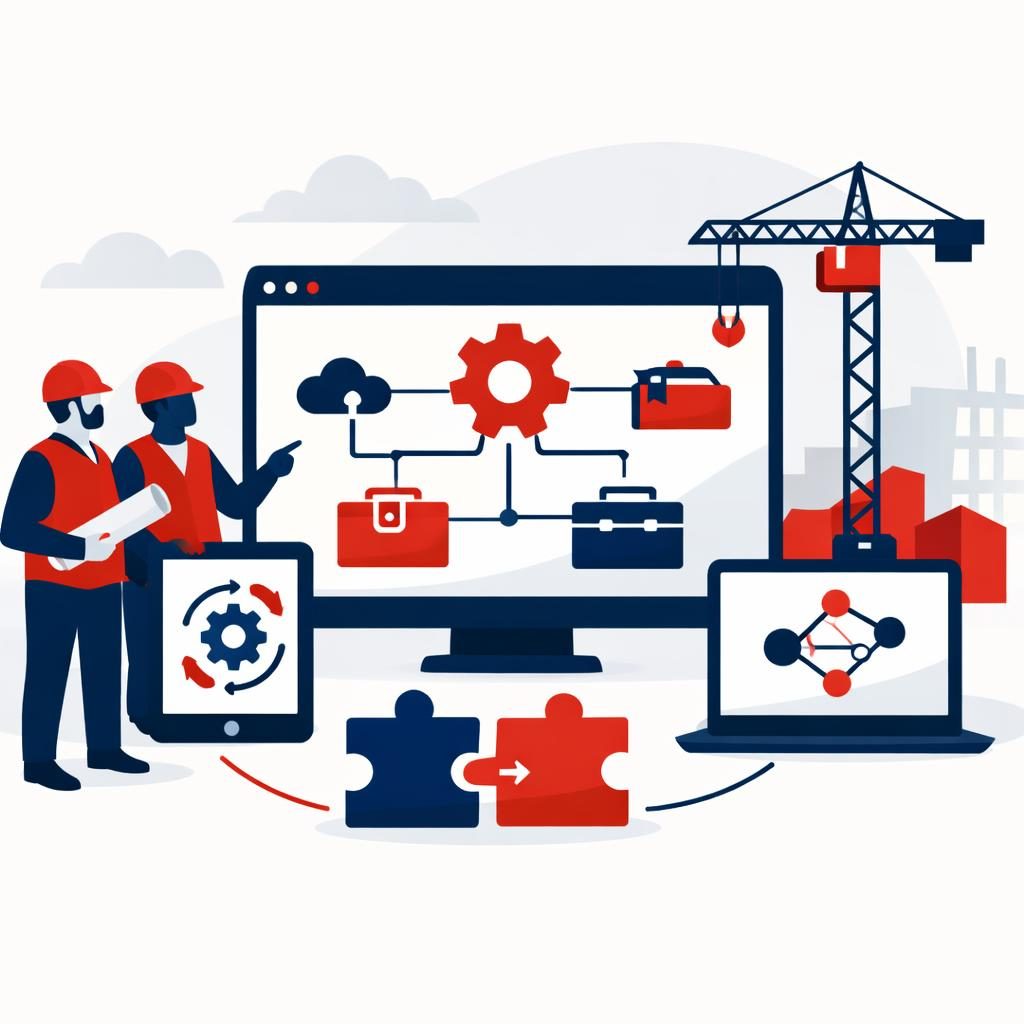
Enterprise API and systems integration is the work of connecting the software, databases, and workflows your construction business already uses so data moves between them automatically. For larger construction teams, it usually means linking ERP, CRM, project management, estimating, field apps, accounting, analytics, and document systems without manual re-entry.
If your company runs multiple projects, regions, or business units, this matters because disconnected systems create delays, errors, and reporting gaps. As of November 2026, the tools and methods available change quickly, so the best approach depends on your stack, your security needs, and how much customization you need.
What is enterprise API and systems integration?
Enterprise API and systems integration is the process of making separate business systems work together as one operating environment. In plain English, it means your teams enter data once and the right information shows up where it is needed.
For construction companies, that can mean a change order in one system updates the project record, finance sees the cost impact, and leadership sees the latest status in reporting without extra spreadsheets.
How does enterprise API and systems integration work?
It works by using APIs, middleware, file transfers, database connections, or integration platforms to move data between systems based on rules you define.
A simple example looks like this:
- A project manager updates a schedule in the project platform.
- An API sends that update to the ERP or reporting system.
- The finance team sees the latest budget impact.
- Dashboards refresh automatically for leadership.
The method depends on the system. Some tools offer modern APIs. Others rely on older connection methods. In many enterprise environments, a good integration plan mixes several methods rather than forcing every tool into one pattern.
What is the difference between API integration and systems integration?
API integration is one way to connect systems. Systems integration is the broader strategy.
API integration connects applications through published interfaces. Systems integration can also include file feeds, middleware, direct database connections, and legacy systems that do not expose clean APIs. For construction firms with older ERP or finance tools, that distinction matters.
Why does this matter for construction companies now?
It matters now because construction businesses run on coordination, and disconnected software slows coordination down.
Large construction teams often deal with many job sites, subcontractors, locations, and internal departments. When systems do not talk to each other, teams waste time on duplicate entry, spend longer reconciling reports, and make decisions on stale information.
Integration helps you:
- Reduce manual data entry
- Improve job cost visibility
- Shorten approval cycles
- Keep project, finance, and operations data aligned
- Make reporting more reliable across locations and business units
- Support automation across repeatable workflows
For companies managing growth, integration is often less about technology for its own sake and more about keeping operations under control.
What systems do construction teams usually connect?
Construction teams usually connect the systems that run estimating, projects, finance, and field operations.
Common integration targets include:
| System area | Examples of what may connect | Why it matters |
|---|---|---|
| ERP / accounting | Jobs, invoices, cost codes, payroll, purchase orders | Keeps financial and project data aligned |
| CRM | Leads, bids, customers, opportunities | Helps sales and estimating stay in sync |
| Project management | Schedules, tasks, RFIs, submittals, change orders | Reduces status gaps and duplicate work |
| Field operations | Time tracking, daily logs, mobile updates | Improves field-to-office communication |
| Document systems | Drawings, contracts, approvals, forms | Makes information easier to find and audit |
| BI / analytics | Dashboards, KPIs, forecasts | Gives leadership a clearer view of performance |
| Service systems | Work orders, maintenance requests, asset tracking | Supports post-build and facilities work |
Not every company needs every connection. The right integration plan starts with the workflows that create the most friction or risk.
What are the main types of enterprise integration?
The main types are API-led integration, middleware or iPaaS, direct database or file integration, and custom point-to-point integration.
Here is the practical version:
- API-led integration: Best when both systems support clean APIs and you want real-time or near-real-time data exchange.
- iPaaS or middleware: Best when you need to connect several tools quickly with managed workflows and routing.
- File-based integration: Best when older systems only support scheduled imports and exports.
- Database integration: Best when a system exposes data in a controlled way and the business case supports it.
- Custom integration: Best when your workflows are unique or your systems need special handling.
In construction, the right answer is often a mix. Many firms have modern SaaS tools on one side and legacy ERP or finance platforms on the other.
What problems does integration solve for construction leaders?
It solves the operational gaps that appear when project, finance, and field teams work in separate tools.
Common problems include:
- Leaders cannot trust reports because data lives in too many places
- Project managers re-enter the same information in multiple systems
- Change orders reach finance too late
- Field updates do not reach the office quickly enough
- Approvals stall because no one knows the latest status
- Teams cannot easily see work across multiple locations or brands
A good integration project turns scattered information into a connected workflow. That usually improves both speed and decision quality.
What should construction companies evaluate before they start?
They should evaluate systems, data ownership, security needs, reporting goals, and implementation fit before choosing a vendor.
Use this checklist:
- Map the workflow first. Identify the business process you want to improve, not just the tools you own.
- List every system involved. Include ERP, CRM, project software, analytics, document storage, and any legacy apps.
- Define the data you want to move. Know what should sync, what should stay separate, and how often updates should happen.
- Confirm account and data ownership. Your company should own the accounts, code, and business data.
- Decide how success will be measured. Look at time saved, fewer errors, faster approvals, or better reporting.
- Ask how the vendor handles support and change control. Enterprise work needs a clear process after launch.
If you need help understanding your current digital stack before you invest, start with a free SEO & AI visibility report. It shows on-page SEO, mobile speed, Google rankings, backlinks, and ChatGPT mentions in about 60 seconds.
How do you start an enterprise integration project?
You start with discovery, then define scope, then move to a fixed plan for build and rollout.
At WorldDigital.ai, custom software and integration work starts with a discovery call and a fixed-scope proposal after that call. That format works well for larger companies because it forces clarity on systems, timeline, dependencies, and outcomes before work begins.
A practical starting path looks like this:
- Discovery: Review the current stack, business goals, and integration pain points
- Scope definition: Decide which systems to connect and what data should flow
- Proposal: Get a fixed-scope plan with clear deliverables
- Build: Configure APIs, workflows, or custom logic
- Testing: Validate data, permissions, exceptions, and reporting
- Launch: Roll out in stages if needed
- Support: Monitor and adjust after go-live
This is also where ownership matters. Every account stays in the client’s name, so your business keeps control of the systems it depends on.
Why choose custom integration instead of off-the-shelf software?
You choose custom integration when your business processes are too complex for a standard tool or when multiple systems need to work together in a specific way.
Off-the-shelf software can be a good fit when your needs are simple and your workflow matches the product. But construction companies often have mixed environments, including older ERP systems, field tools, and reporting layers that do not line up neatly.
Custom integration helps when you need:
- Workflows that match how your teams actually operate
- Connections across several systems
- Data rules that reflect your internal process
- Better reporting across departments or locations
- A solution that can grow with the business
WorldDigital.ai builds custom software, AI automation, and integrations for SMBs, SMEs, and enterprises across the US and Canada. You can learn more on Custom Software Development & AI Automation or review EHR/EMR integration if your operations also touch healthcare facilities or employee health workflows.
How should construction teams evaluate a vendor?
They should evaluate the vendor on integration depth, process clarity, support model, and ownership terms.
Ask these questions:
- Can you integrate with our ERP, CRM, analytics, and document systems?
- Do you provide a written scope before development starts?
- Who owns the accounts, code, and business data?
- How do you handle approvals, exceptions, and change requests?
- What does testing and rollout look like for multi-location teams?
- How do you report on outcomes after launch?
If the answers are vague, keep looking. For enterprise integration, fit matters more than flashy demos.
What about automation and AI in integration projects?
Automation and AI can reduce manual work, but they work best when the underlying systems are connected first.
AI can help with tasks like sorting requests, drafting updates, reading documents, or routing information between systems. But it should not be used as a substitute for a solid integration design. For important business steps, people still need to approve anything sensitive or high impact.
If your team also needs marketing or visibility support, WorldDigital.ai offers an SEO & AI Search plan and a free SEO & AI visibility report, but the better starting point for construction integration work is usually a discovery call and fixed-scope proposal.
Frequently asked questions
Is an API the same thing as an integration?
No. An API is one method used to connect systems, while integration is the broader result and process. A full integration may include APIs, file transfers, middleware, or database connections.
What is enterprise application integration?
Enterprise application integration is the practice of linking business applications so data can move between them without manual re-entry. In construction, that often includes ERP, CRM, project management, finance, and reporting tools.
How difficult is API integration?
It depends on the systems involved, the quality of their documentation, and how much customization is needed. Clean modern APIs are usually easier than legacy systems, but enterprise environments often require planning across multiple tools.
Will AI replace APIs?
No. AI and APIs do different jobs. APIs move data between systems, while AI can help decide what to do with that data, summarize it, or draft responses.
What is the best integration approach for older construction systems?
There is no single best approach, but older systems often need a mix of file-based integration, middleware, and custom logic. The right choice depends on what the system supports and how critical the workflow is.
How do we know if we need custom software or an off-the-shelf tool?
If your workflow is standard and the tool fits, off-the-shelf software may be enough. If your team has multiple locations, unique approval paths, or several systems that must work together, custom software or custom integration is often the better fit.
The bottom line
Enterprise API and systems integration helps construction companies connect their tools, reduce manual work, and improve reporting across projects, departments, and locations. The best projects start with a clear workflow, a defined scope, and a vendor who can work with your existing stack.
If you are evaluating your options, contact WorldDigital.ai for a discovery call and a fixed-scope proposal at /contact or review our custom software services first.