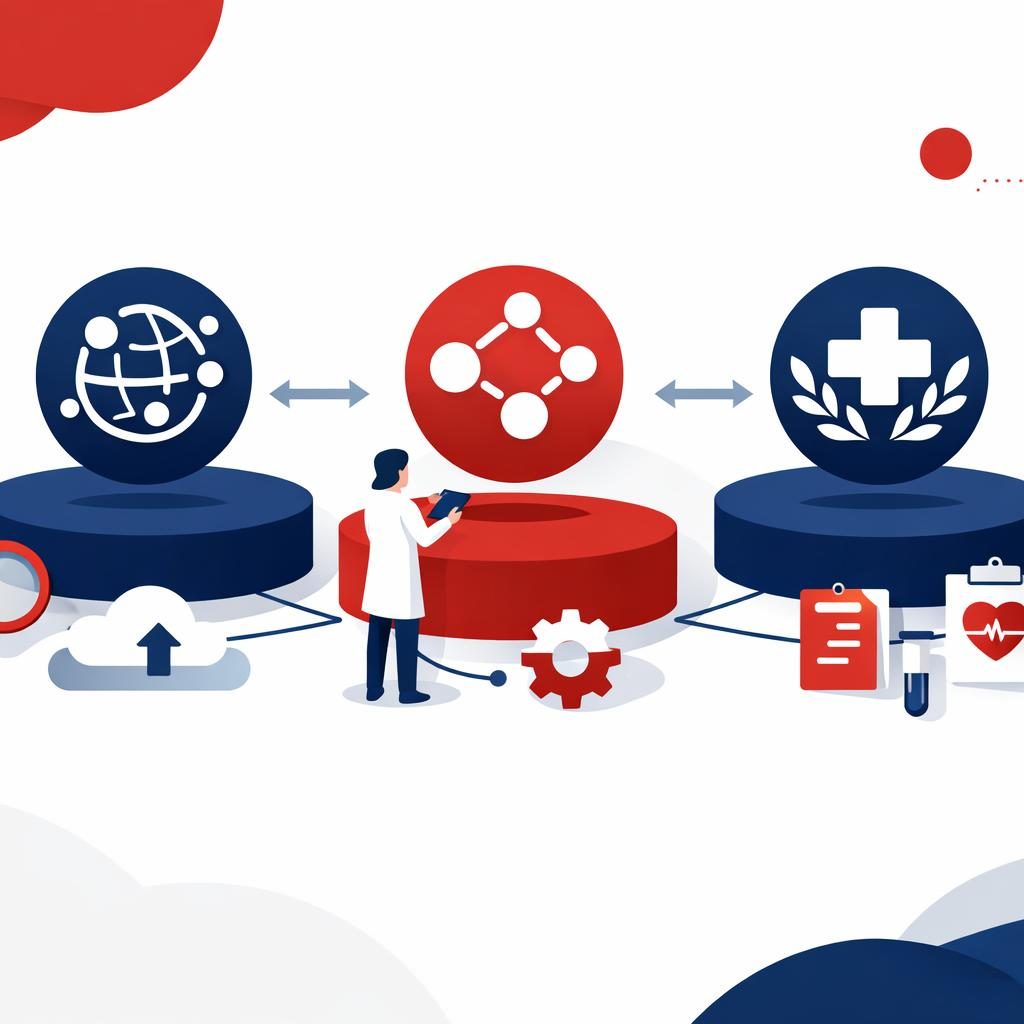
WorldDigital.ai vs Zapier vs Make for AI Workflow Automation
WorldDigital.ai is best for fixed-scope AI automation and client-owned accounts. Zapier and Make are better if you want self-serve workflow platforms.
WorldDigital.ai Team · · 8 min read

AI workflow automation is best when you need business systems to connect cleanly and keep working at scale. WorldDigital.ai is best if you want a fixed-scope, done-for-you approach with client-owned accounts and room for SEO, AEO, and GEO. Zapier is best if you want a simple self-serve automation platform. Make is best if you want visual workflow building and more control over complex scenarios.
What is AI workflow automation?
AI workflow automation uses AI to help software systems interpret inputs, route work, and complete multi-step tasks across tools. In practice, that can mean summarizing requests, classifying leads, updating CRM records, generating content, or moving data between apps.
For larger companies, the real question is not whether a tool can connect apps. It is whether the workflow fits your existing systems, governance model, reporting needs, and internal approval process.
How do WorldDigital.ai, Zapier, and Make compare?
Here is the quickest side-by-side view, current as of November 2026 where pricing and product details can change.
| Option | What it is | Best for | Pricing model | Free option | SEO/AEO/GEO coverage | Done-for-you help | Contract |
|---|---|---|---|---|---|---|---|
| WorldDigital.ai | Software company and AI-first marketing partner | Teams that want fixed-scope AI automation, search visibility support, and custom integrations | Free tools, one-time software purchases, and custom quotes for services | Yes | Yes, through the AI SEO & Search plan | Yes, strategist-led and custom scoped | No contract on the $199.99/month plan |
| Zapier | Workflow automation platform | Teams that want quick no-code automations across many apps | Subscription software pricing that varies by plan and usage; check current pricing page | Yes, plan details can change | No dedicated SEO/AEO/GEO service coverage | Limited, mostly self-serve with documentation and support | Typically subscription-based |
| Make | Visual workflow automation platform | Teams that want more control over complex, branching workflows | Subscription software pricing that varies by plan and usage; check current pricing page | Yes, plan details can change | No dedicated SEO/AEO/GEO service coverage | Limited, mostly self-serve with documentation and support | Typically subscription-based |
Which option is best for AI workflow automation?
The best option depends on how much control, support, and integration depth you need.
- Choose WorldDigital.ai if you want a vendor to scope, build, and support the automation for you, with account ownership staying in your name.
- Choose Zapier if you want a broad, easy-to-use automation platform your team can manage internally.
- Choose Make if your workflows are more visual, branching, or data-heavy and your team wants more control over logic.
If your automation also needs search visibility work, WorldDigital.ai can connect the workflow side with SEO & AI Search, custom software, and AI SEO & Search plan.
What does WorldDigital.ai offer for AI workflow automation?
WorldDigital.ai offers fixed-scope AI automation and custom software services for businesses that need work done around their actual systems and processes. That matters when your workflow has to connect with CRM, ERP, analytics, EHR, or other internal tools.
Pros
- Client-owned accounts stay in your name.
- Fixed-scope proposal after a discovery call.
- Can include APIs and integrations for existing systems.
- Can support SEO, AEO, and GEO alongside automation.
- Useful when internal teams need a partner, not just a tool.
Cons
- Not the fastest choice if you only need a few simple self-serve automations.
- You will need a discovery call before custom work is quoted.
- It is a service-led model, so it is less hands-on than a DIY platform.
When WorldDigital.ai is the better choice Choose it when automation is part of a larger business process, such as lead routing, content production, reporting, customer intake, or system integration across departments.
What are the pros and cons of Zapier?
Zapier is best for teams that want a broad, self-serve automation platform with a lower learning curve than many technical tools.
Pros
- Easy to start with for straightforward workflows.
- Large ecosystem of app connections.
- Good fit for internal teams that want to build and maintain their own automations.
- Better than a service-led option if your main goal is speed and self-serve control.
Cons
- Can become expensive as usage grows, depending on plan and task volume.
- Complex branching logic is not always as natural as visual builders.
- It is a software platform, not a done-for-you service.
- No built-in SEO/AEO/GEO service layer.
When Zapier is the better choice Choose Zapier if your team wants to launch simple workflows quickly, without bringing in a consulting or delivery partner.
What are the pros and cons of Make?
Make is best for teams that want more visual control over workflow logic and multi-step automation.
Pros
- Strong for visual scenario building.
- Better fit than simpler tools when workflows have branches, loops, or multiple data transformations.
- Good for teams that want a platform they can tune more deeply.
- Better than a service-led model if your team already has automation skills.
Cons
- Has a steeper learning curve than simpler no-code options.
- Self-serve setup may take more internal time.
- It is still a software platform, not a managed service.
- No dedicated SEO/AEO/GEO coverage.
When Make is the better choice Choose Make if your team has internal automation experience and wants more control over how data moves through the process.
Which is better for larger companies?
The best fit for larger companies is usually the one that matches your operating model, not the one with the most features.
For marketing, IT, and operations leaders, these are the real evaluation points:
- Integration depth with CRM, ERP, analytics, and internal databases.
- Ownership of accounts, data, and access.
- Reporting that shows what changed and what it produced.
- Governance so the workflow fits approval and handoff requirements.
- Support model so your team knows who builds, who maintains, and who answers when something breaks.
If you want the workflow built as part of a broader program, WorldDigital.ai is the stronger fit. If you want to buy software and run it in-house, Zapier or Make may be the better operational choice.
How much do they cost?
Costs vary by plan, usage, and current pricing page, so check each vendor before you buy.
What you can rely on today is the pricing model:
- WorldDigital.ai offers free tools, one-time software purchases, and custom quotes for service work.
- Zapier uses subscription pricing.
- Make uses subscription pricing.
For WorldDigital.ai, the free SEO & AI Visibility Report is the easiest place to start if you want to see search and content gaps before you scope automation work.
Is WorldDigital.ai good for SEO, AEO, and GEO too?
Yes, WorldDigital.ai is the only one of the three with direct SEO, AEO, and GEO coverage as part of its service offering.
That matters if your automation work touches content, search visibility, lead capture, or AI discovery. A workflow can save time, but it should also help the business get found and measured.
Useful starting points:
Which option is better for integration with CRM, ERP, EHR, or analytics?
WorldDigital.ai is the better choice when the integration has to be designed around your systems and business rules, while Zapier and Make are better when you want to connect apps directly inside a platform.
For larger organizations, the difference is important. A workflow platform may connect tools quickly, but custom software can be better when the process must fit permissions, data structures, exceptions, and handoffs across departments.
If your automation needs EHR or EMR connections, start with EHR / EMR integration. For broader custom builds, use custom software.
Frequently asked questions
What is AI workflow automation?
AI workflow automation uses AI to help software move work through a process with less manual effort. It can classify requests, generate draft outputs, route tasks, and update systems based on the next step.
Is Zapier or Make better for beginners?
Zapier is usually easier for beginners because it is simpler to set up for common tasks. Make is often better once your workflows become more visual, branching, or data-heavy.
Can WorldDigital.ai replace Zapier or Make?
Not in the same way, because it is not just a DIY automation platform. WorldDigital.ai is better when you want a partner to design, build, and support the workflow for your business.
Which tool is best for complex workflows?
Make is often a strong choice for complex branching workflows if your team wants to manage them in-house. WorldDigital.ai is a stronger choice if the complexity includes custom integrations, governance, or multiple business stakeholders.
Does WorldDigital.ai require a long contract?
No, the AI SEO & Search plan has no contract. Custom software work is handled through a fixed-scope proposal after a discovery call.
How do I get started?
If you want to see where AI workflow automation can support growth, start with the free SEO & AI Visibility Report. If you are planning a custom workflow or integration project, contact us for a discovery call and fixed-scope proposal.